


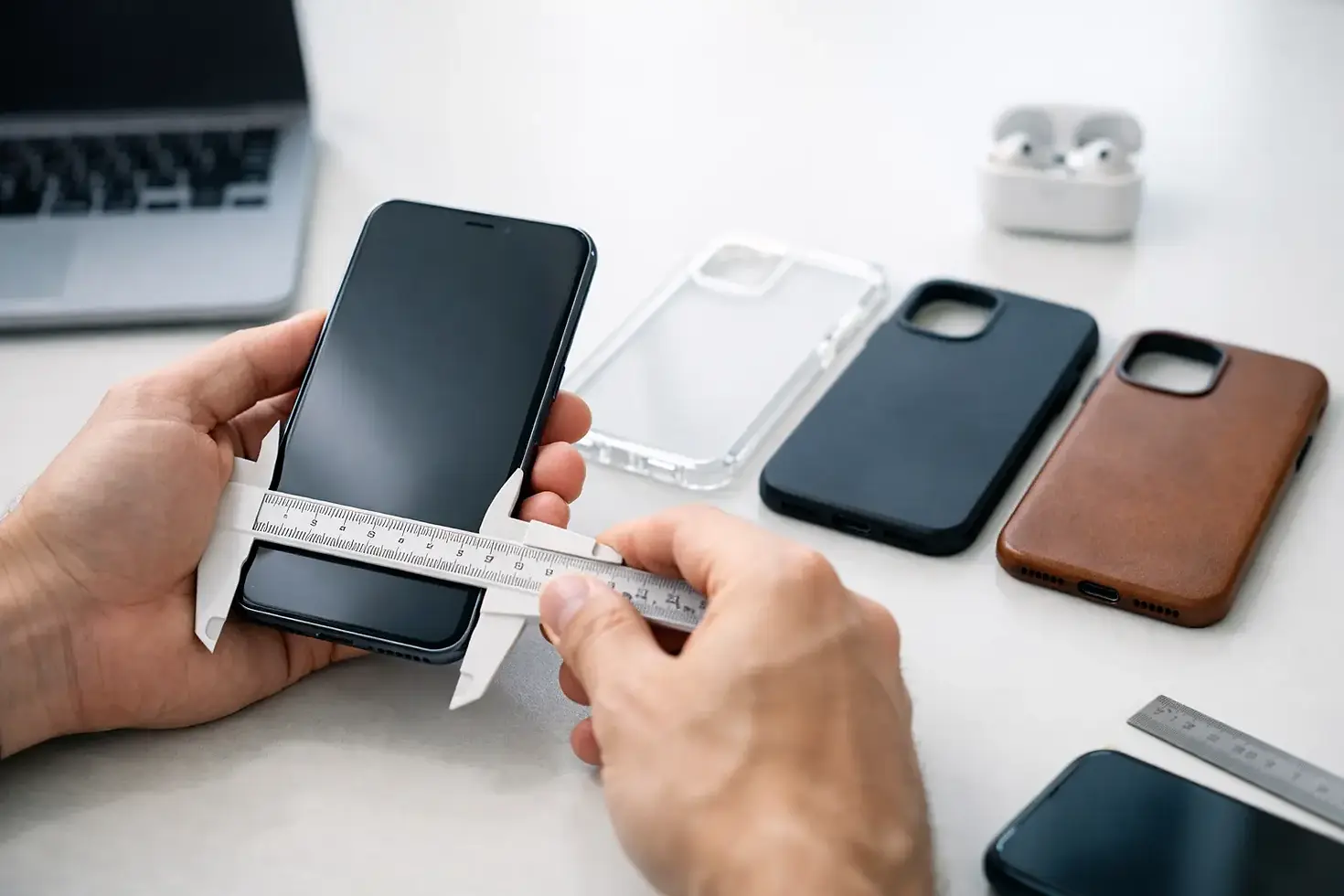
How to Find Phone Case Fit Before You Buy

That stained-glass sunflower design can be exactly your vibe, but it will not feel so perfect if the camera cutout sits in the wrong place. Knowing how to find phone case fit comes down to one simple rule: shop for your exact phone model, not just the brand printed on the back. A case made for an iPhone 15 is not automatically made for every iPhone 15 version, and the same goes for Galaxy and Pixel phones.
The good news: you do not need to be a tech expert to get it right. A quick check of your model name, screen size, and camera layout can save you from ordering a case that looks amazing but cannot protect your phone properly.
How to Find Phone Case Fit for Your Exact Model
Start with the full name of your phone. “iPhone,” “Samsung,” and “Google Pixel” are only the first part of the answer. Phone families include several devices released in the same year, often with different dimensions, camera modules, and button placement.
For example, an iPhone 15, iPhone 15 Plus, iPhone 15 Pro, and iPhone 15 Pro Max are all separate fits. A case for a Galaxy S24 may look close to a Galaxy S24+ case in a product photo, yet the height, width, and camera openings differ. Pixel models have their own distinctions too, especially around the recognizable horizontal camera bar.
The model name is usually available in your phone settings. On an iPhone, open Settings, then General, then About, and look for Model Name. On many Samsung Galaxy and Google Pixel devices, open Settings, select About Phone, and check the device name listed there.
Write it down exactly, including details such as Plus, Pro, Pro Max, Ultra, FE, or XL. Those short additions make a big difference. When you are choosing a decorative case, the design may be the fun part, but the device selector is what makes sure that art belongs on your particular phone.
Do Not Guess Based on Size Alone
It is tempting to compare phones side by side and think, “These are basically the same size.” For phone cases, basically is not close enough. Even a tiny difference in height, frame shape, or camera bump can leave a case loose, warped, or impossible to install.
A proper device-specific case should hug the edges without pulling away at the corners. It should leave room for the screen and camera while keeping the phone secure inside the shell. If a case is too large, dust can collect around the edges and the phone may shift during a drop. If it is too small, forcing it on can stress the case and may press against the phone's buttons or frame.
Universal cases can work for very basic needs, but they are a trade-off. They may not line up neatly with cameras, speakers, charging ports, or side buttons. For a protective case with detailed artwork, an exact-fit option gives you a cleaner look and more dependable everyday coverage.
Check the Camera Layout, Not Just the Number of Lenses
Camera cutouts are one of the fastest ways to tell whether a case will fit. Two phones might both have two or three rear lenses, but their camera islands can have completely different shapes and locations.
Look at your phone from the back and compare it with the case's listed compatible model. Is the camera area a square in the upper corner? A vertical row of separate circles? A wide bar that stretches across the top? The case needs an opening designed for that specific layout.
This matters for more than appearance. A cutout that overlaps a lens can affect photos, interfere with flash performance, or keep the case from sitting flat. A cutout that is too large can leave more of the camera area exposed than necessary. The right fit frames the camera cleanly and lets your phone's features work as intended.
If you are buying a case as a gift, ask the recipient for a screenshot of their About Phone screen or have them tell you the exact model. A quick, casual question is much better than trying to identify a phone from its camera lenses alone.
Pay Attention to Buttons, Ports, and Speakers
A well-fitting phone case should make daily use feel easy. You should be able to press volume and power buttons without hunting for them, plug in your charging cable without removing the case, and hear calls or music clearly through the speaker openings.
Exact-fit cases account for details that often change from one generation to the next. Button positions can move slightly. Charging ports can have different spacing. Some iPhone models include an Action button, while others use a ring/silent switch. Galaxy and Pixel devices may have camera bumps and side-button layouts that look similar across generations but are not identical.
Before ordering, make sure the case listing names your phone model rather than only showing a general brand category. Product photos are helpful for seeing the design, but compatibility text should guide the fit decision. A Gothic rose pattern, a wood-look texture, or a patriotic eagle design deserves a case shape that keeps every button and opening where it belongs.
Think About Your Charging Setup
Phone case fit is not only about whether the case snaps onto your device. It is also about how you use your phone after it is on. If you charge wirelessly, use magnetic charging accessories, or rely on a thick charging cable, those habits should factor into your choice.
Most standard protective cases can work with wired charging as long as the port cutout matches your exact model. Wireless charging can be more case-sensitive. Very thick materials, metal components, or accessories attached to the back may affect performance. If magnetic alignment matters to you, choose a case specifically designed to support that setup rather than assuming every case will behave the same way.
There is a style-versus-function balance here. A slimmer case may feel lighter in your hand and work easily with certain charging stands. A tougher case may offer more impact protection and a more substantial grip. Neither choice is automatically better. It depends on whether your phone spends more time in a tote bag, on a desk, in a busy household, or out with you all day.
Use the Model Selector Carefully
When a case comes in several phone sizes, the artwork may look nearly identical across every option. That does not mean the cases are interchangeable. The model selector changes the physical shape of the case, including its camera opening, edge dimensions, and button coverage.
Take a moment before adding your favorite design to the cart. Confirm the selected option matches the full model name from your settings. Then check it once more before checkout. This is especially helpful if you recently upgraded, share a shopping cart with someone else, or own more than one phone in the same household.
At Trendy Covers, the best part of choosing a case is finding a design that feels like it was picked for you: witchy moons, bold animal prints, floral color, rugged metal looks, or something a little unexpected. The practical part is selecting the exact device first, so that personality-packed design arrives ready to fit.
Common Phone Case Fit Mistakes
The most common mistake is choosing by phone brand alone. “Samsung Galaxy” covers a huge range of devices, including Galaxy S, A, Z, and other lines that are not cross-compatible. The second is ordering for the wrong year. A Galaxy S23 case and a Galaxy S24 case may appear similar online, but their camera and frame details can differ.
Another easy mistake is confusing a large model with a premium model. “Plus” and “Pro” do not mean the same thing, and “Pro Max” is its own size entirely. Finally, do not rely on color or finish to identify your phone. Many models come in similar shades, while the model name in settings gives you a clear answer in seconds.
If you are still unsure, remove any existing case and look closely at the phone itself. The camera shape, number of buttons, port placement, and overall dimensions can help confirm what you see in settings. When there is any doubt, pause before ordering rather than hoping a close match will work.
Your phone case should feel intentional from every angle: secure around the edges, clear around the camera, comfortable in your hand, and completely you on the back. Get the model right first, then pick the design that makes you smile every time you reach for your phone.


Comments